Add players by kennitala (Iceland)
Loading…
Clubs in Iceland can add many players at once by pasting a list of kennitalas. Abler looks up each person in the national registry, so you don't need to type in names and birth dates yourself.
Example: the coach gives you the kennitalas of 18 new players for the 6th division. You paste the list and add them all to the group in one go.
Go to Home and open the Registrations tab (or Members).
Click the three dots (⋮) in the top-right corner and choose Import players by Kennitala.
Under Kennitala list, enter or paste the kennitalas, one per line.
Click Load data. Abler finds the people that match the kennitalas.
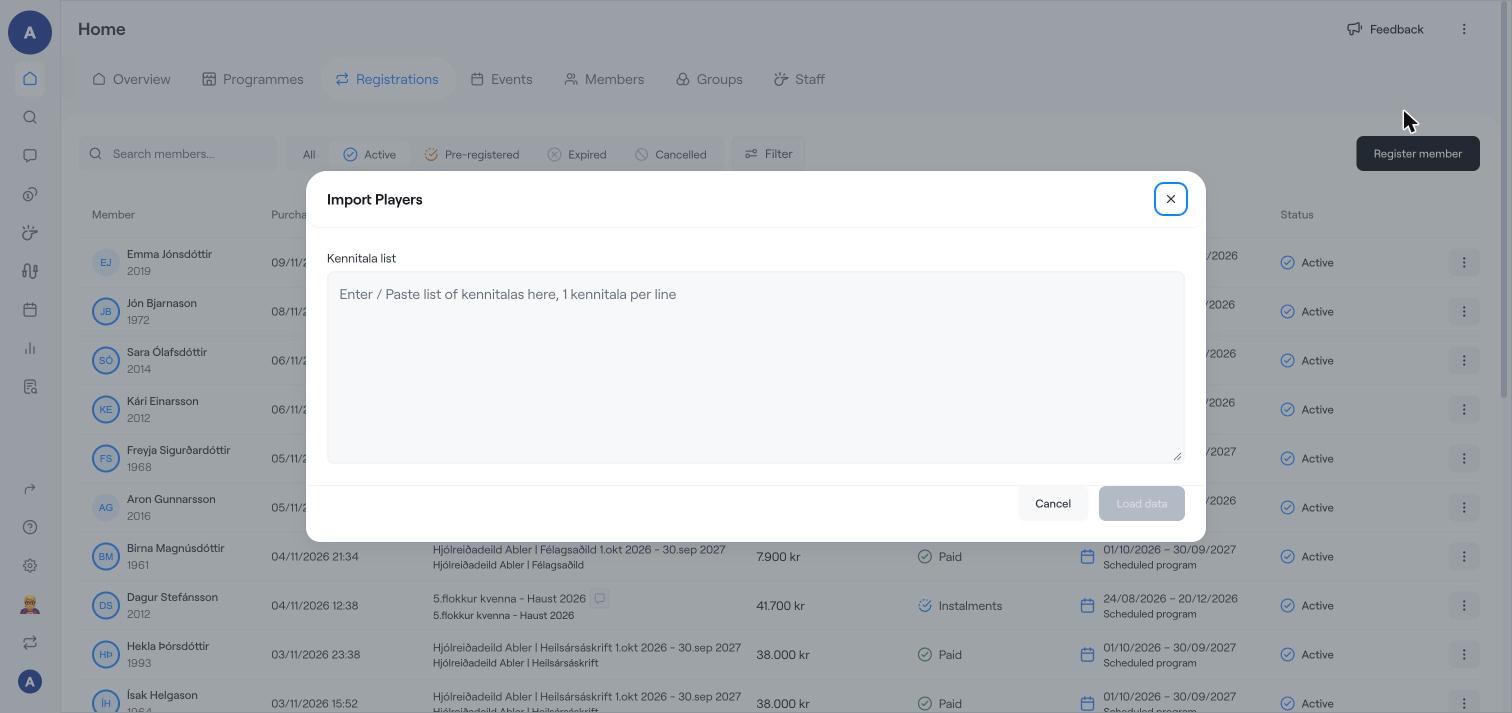
Check the list of players that was found. Kennitalas that could not be found are shown so you can correct them.
Choose the group (and, if offered, the programme option) the players should join.
Confirm the import.
This option is only available for clubs in Iceland. Clubs outside Iceland can use Add many players at once with Excel.
Guardians of children are connected through the national registry where possible. Check the member overview page if a guardian is missing.
Add many players at once with Excel
Add a member and invite them to Abler
Register members to a programme