Find members, guardians, invoices and more
Loading…
Askja gives you two ways to find people: global search, which looks across the whole club, and the Members list, which you can filter. To find members who have left, use the Registrations list.
Example: Sara Ólafsdóttir calls about her son, Jón Bjarnason. You want to see his groups, registrations and invoices in under a minute.
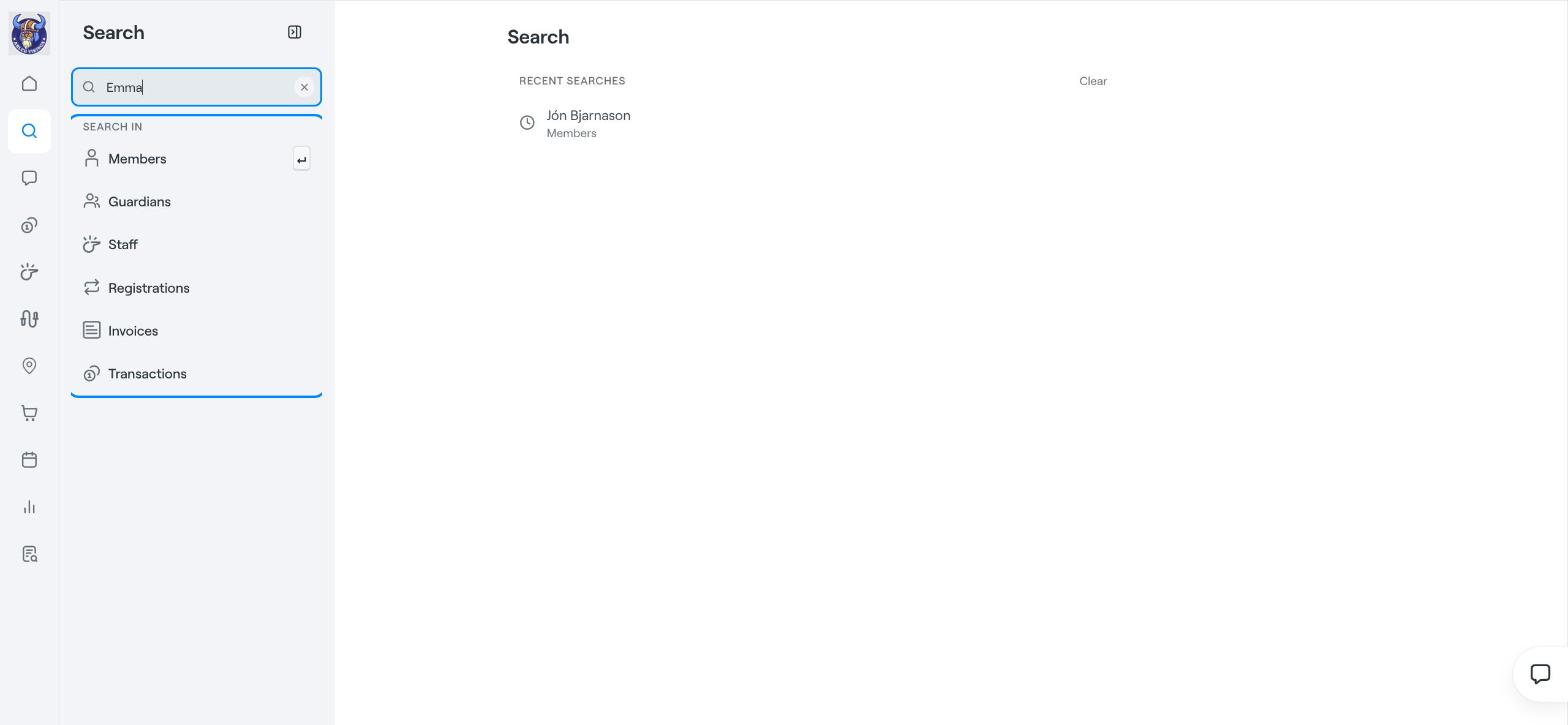
Click the magnifying glass in the left menu, or press ⌘K on a Mac.
Type a name or an email address.
Under Search in, choose what you are looking for: Members, Guardians, Staff, Registrations, Invoices or Transactions. Pressing Enter searches Members.
Click a result to open it.
Member results show the name, birth year and age, email, phone number, groups, invite status and status. Searches and records you open are listed on the search page, so you can get back to them quickly.
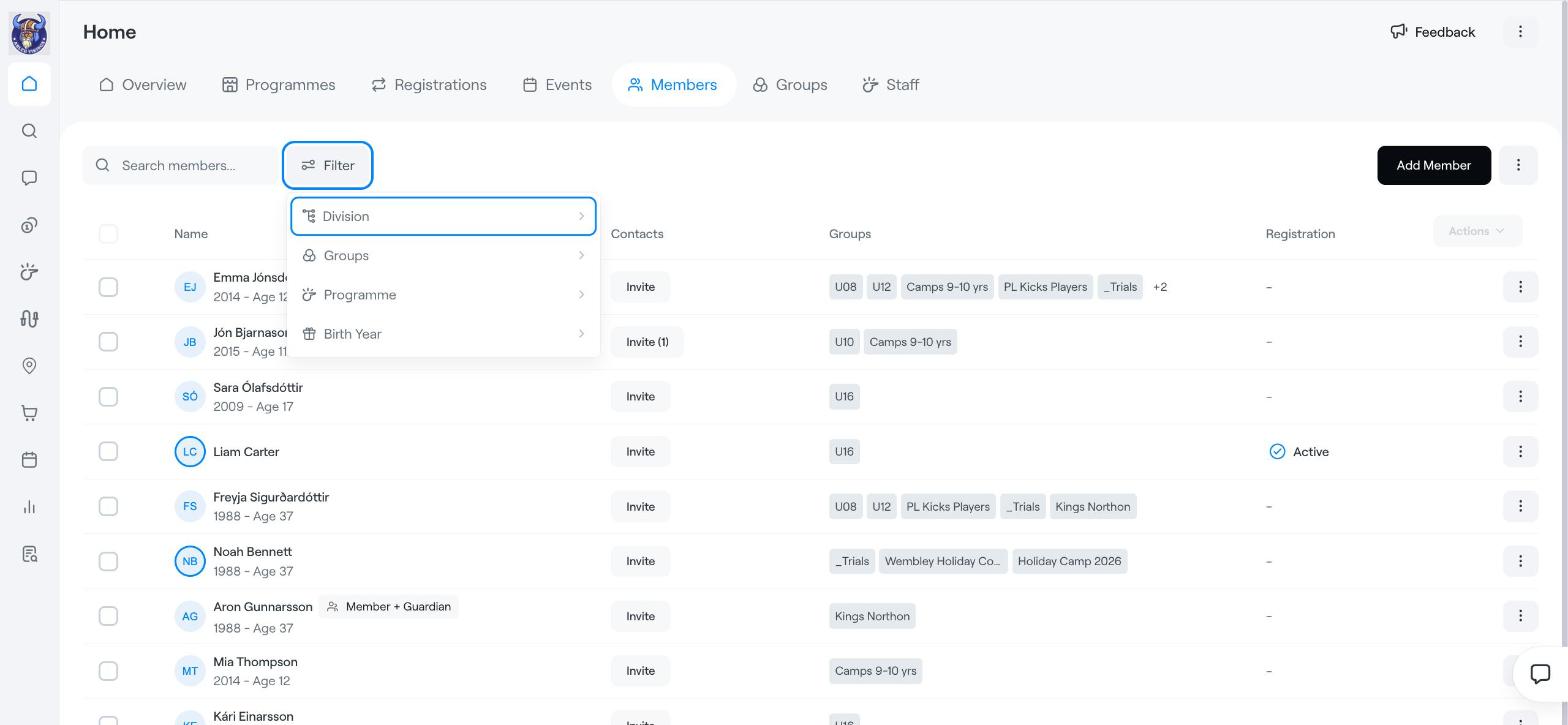
Go to Home → Members.
Type in Search members to narrow the list by name.
Click Filter and choose Division, Groups, Programme or Birth Year.
The list shows each member's groups, whether they have been invited, and their registration status.
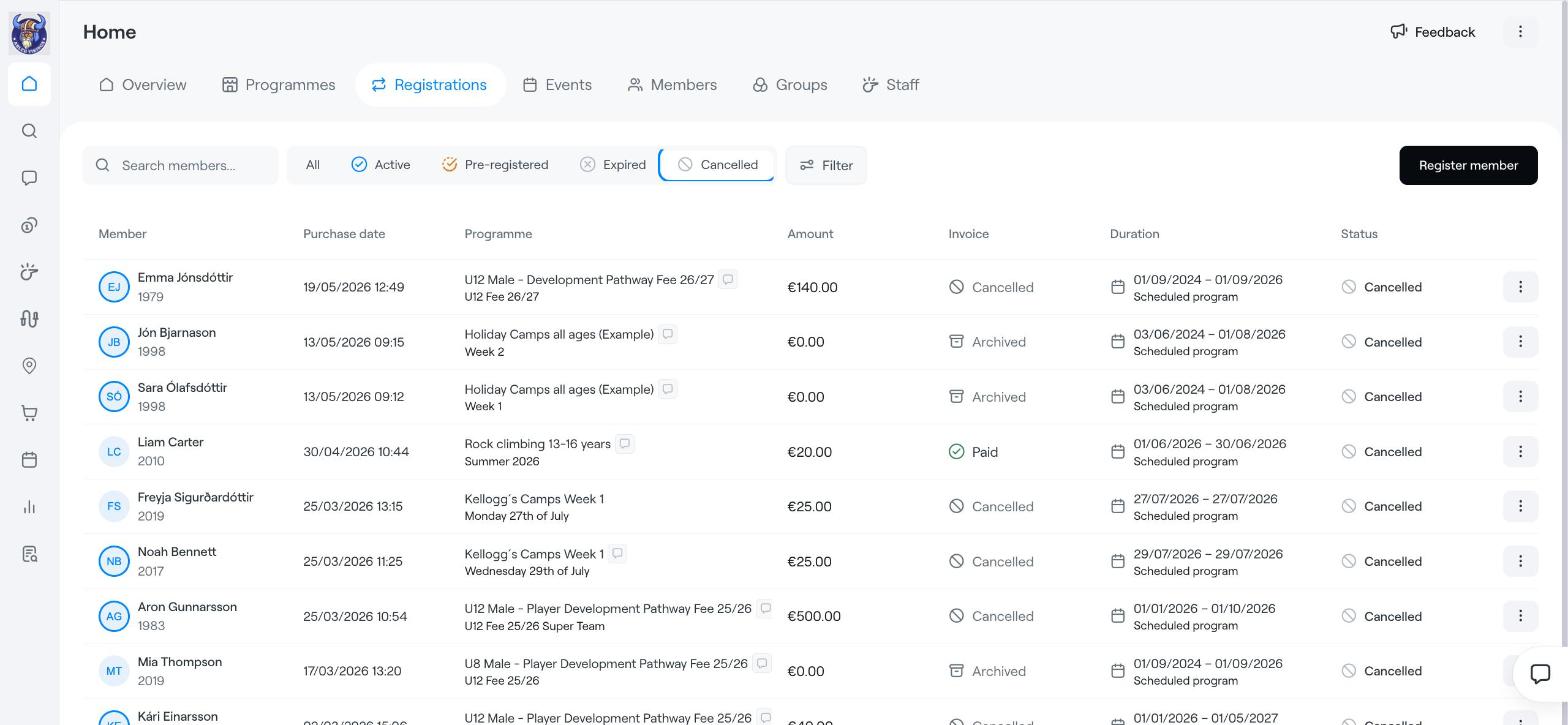
Members whose registration has ended no longer show as active. To find them:
Go to Home → Registrations, or open the Registrations tab of a programme.
Click Expired or Cancelled at the top of the list.
Use Search members to find a specific person.
Need the member list in a spreadsheet? On Home → Members, click ⋮ next to Add Member and choose Export as Excel.
Move a member to another option (workaround)
Registration Tab
Members