Add many players at once with Excel
Loading…
Instead of adding players one by one, you can add a whole list at once from an Excel file. This is useful at the start of a season or when your club moves to Abler.
Example: your U10 coach sends you a spreadsheet with 25 new players for the autumn term.
Note: Excel import is available for clubs outside Iceland. Icelandic clubs can add many members to a programme option using kennitala instead.
Go to Home → Members.
Click the three dots (⋮) next to Add Member in the top-right corner.
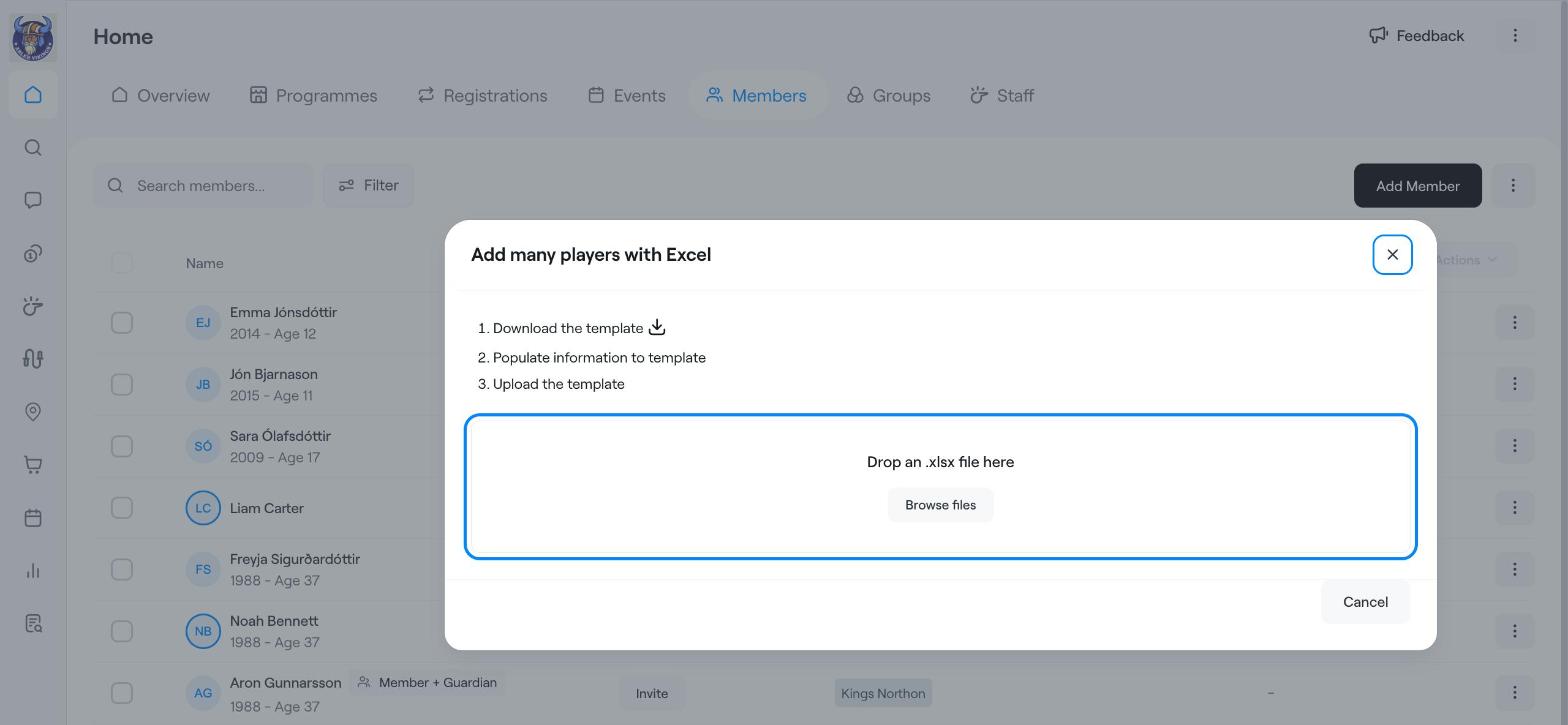
Choose Add many players. The Add many players with Excel window opens.
Click Download the template to get the Excel file.
Fill in one row per player, using the columns in the template. Do not rename or remove columns.
Save the file as .xlsx.
Drag the file onto Drop an .xlsx file here, or click Browse files and choose it.
Follow the steps on screen to finish adding the players.
Start with a small file of two or three players to check that everything looks right, then upload the rest.
Find members, guardians, invoices and more
Groups (Create, edit & delete)
Register members to a programme