Retries for failed payments
Loading…
If you offer monthly subscriptions or instalment plans, a card payment can sometimes fail, for example because the card has expired or there isn’t enough money on the account. Abler then retries the card automatically over 32 days and emails the payer before each attempt.
The payer gets an email before every retry, so they can update their card or make sure there is money on the account.
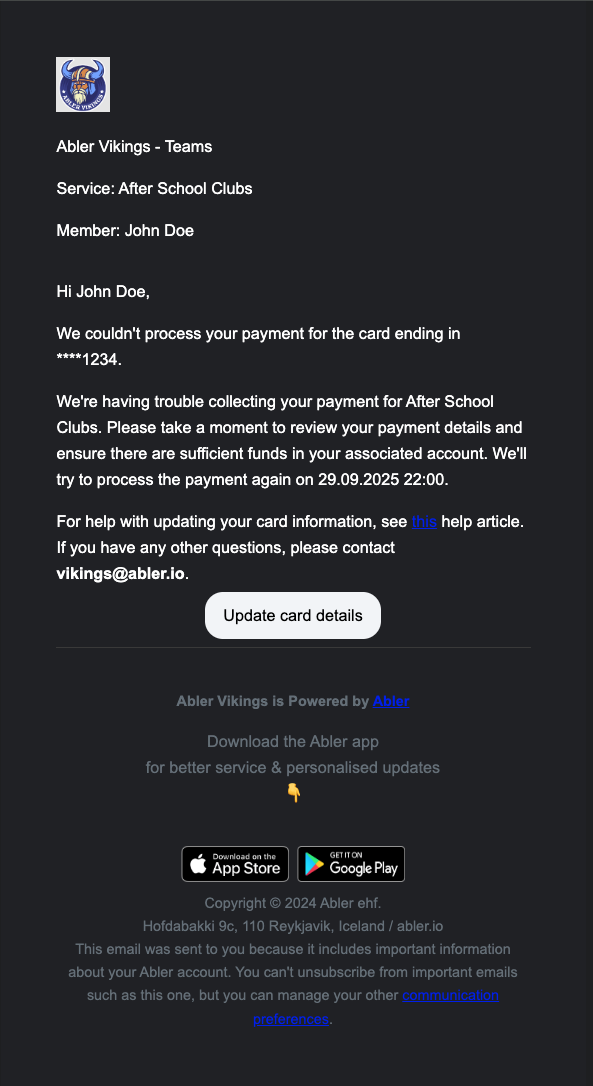
Before the final attempt, the payer gets a separate email letting them know it is their last chance before the payment is marked as failed.
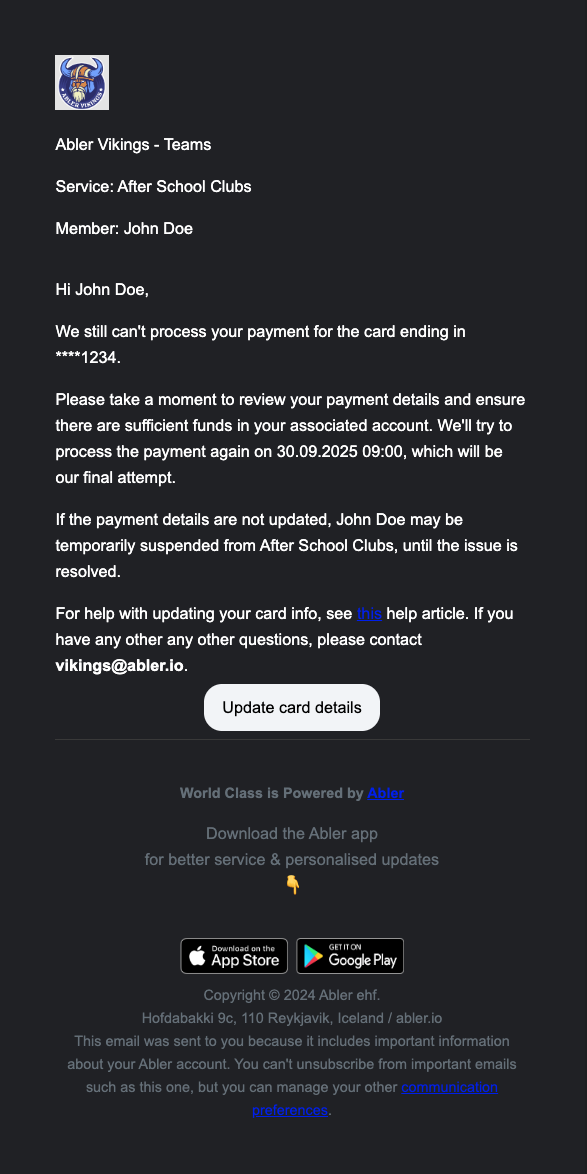
Days are counted from the original due date. The first two retries are on consecutive days. After that, Abler retries every 5 days.
Retry | Day after the due date |
|---|---|
1 | 1 |
2 | 2 |
3 | 7 |
4 | 12 |
5 | 17 |
6 | 22 |
7 | 27 |
8 | 32 – if this attempt fails, the payment is marked as failed |
If the payer updates their card in the Abler app, the next retry uses the new card.
Click the coin icon in the left menu to open Finance.
Under Needs action, choose Card transactions.
Change the date filter, or filter by Division, if needed.
Next retry shows when Abler will try again, and Retries shows how many attempts have been made.
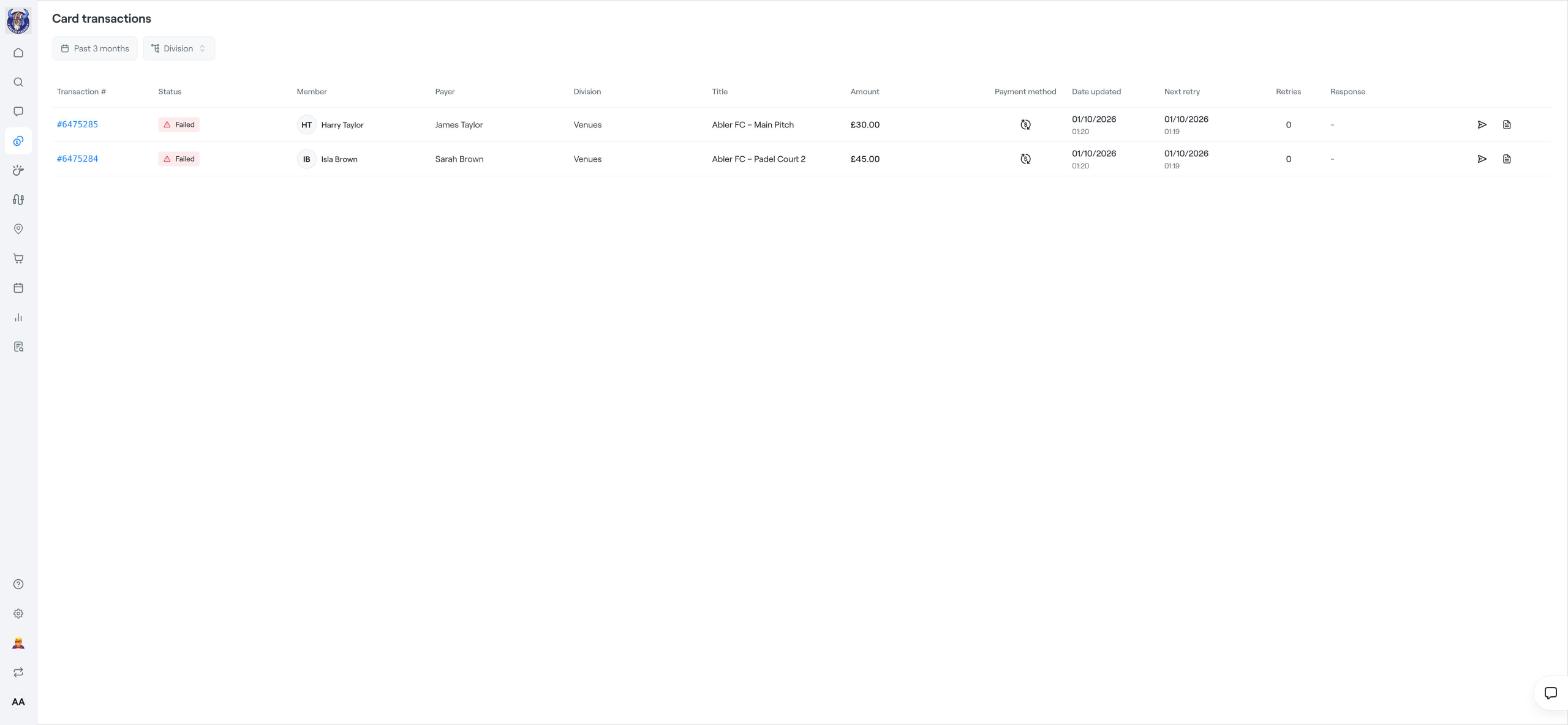
Payments that succeed on a retry drop off the list automatically. To see payments that failed after the final attempt, go to Finance → Invoices and filter on the status Failed.
Failed card payments
Find and manage invoices
Add a manual payment to an invoice