Income codes and mapping
Loading…
Income codes are accounting codes you give to your programmes and events. When the club is paid out, each payment is then automatically sorted under the right code, so it is easy to post to the right accounts in your bookkeeping system.
Example: training fees get the code 3100 and summer camps the code 3200.
Go to Finance and choose Income codes under Settlements.
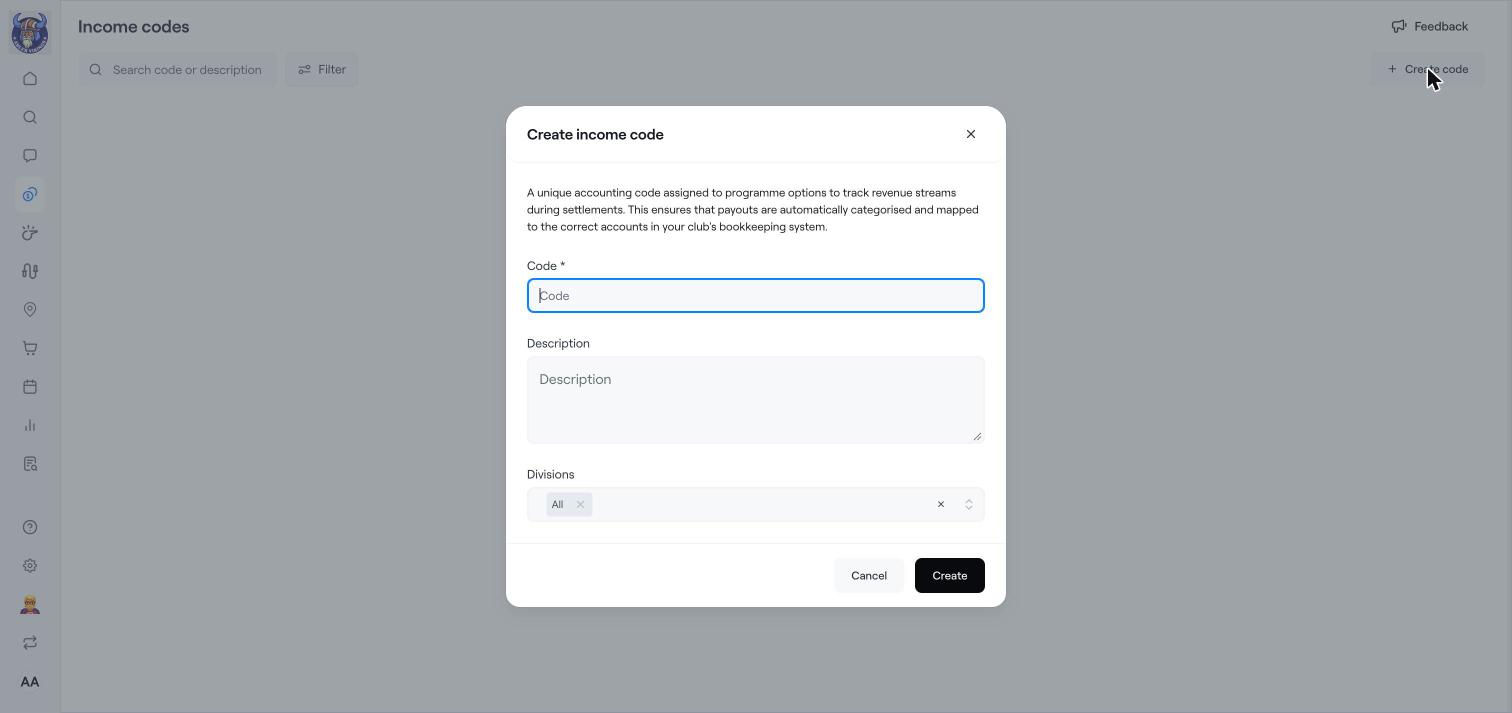
Click Create code.
Enter the Code, for example the account number from your chart of accounts, and a Description.
Under Divisions, choose which divisions can use the code, or keep All.
Click Create.
In the Finance menu, choose Mapping.
The list shows every programme and event with its Division, Type, Activity and current Income code. Items without a code show No code.
Choose the right income code for each item. Use Show and Type to filter, and Actions to set the code for several items at once.
You can also choose the income code directly when you create a programme option. See Create a programme.
Payouts to the club's bank account are shown under Settlements, sorted by income code.
Ask your accountant which codes to use.
Settlements: payouts to your bank account
Accounting categories
Set the VAT category for what you sell