Register staff time off
Register when coaches and staff are away, for example on holiday or sick leave, so everyone can see who is available when planning sessions.
Example: coach Alex Morgan is on holiday for the first week of December.
1. Open Time off
Click the coach icon in the left menu to open Staff Management.
Under People, choose Time off.
You can see time off as a Calendar, a Timeline or a List. Use Today and the arrows to move between weeks.
2. Set time off
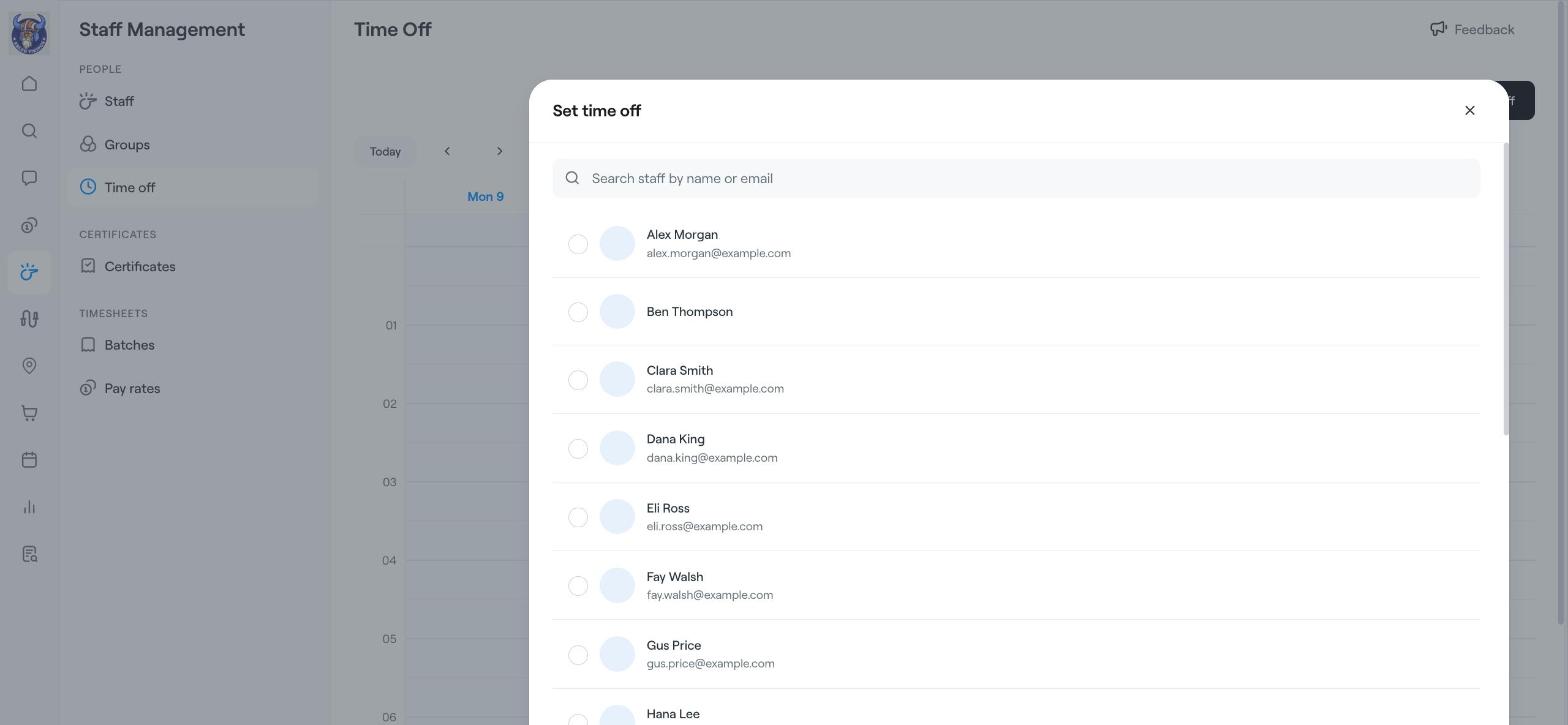
Click Set timeoff.
Choose the staff member. Use Search staff by name or email to find them quickly.
Click Next and choose the dates and any other details.
Click Confirm.
3. Check the calendar
The time off now shows in the Time off calendar, so other admins can see that the coach is away.
Tip
Before you plan sessions for the coming weeks, switch to Timeline to see all staff absences side by side.
Related articles
Staff management: overview and adding staff
The club schedule: see all events by venue