Connect age group to a bank account
This article is for the Classic admin system. If your club uses the new admin platform, see the "Admins – new platform" section.
Are you unable to create a payment event, even though you have the necessary permissions? Here's a possible solution:
In order to create a payment event, the age group needs to be connected to a bank account.
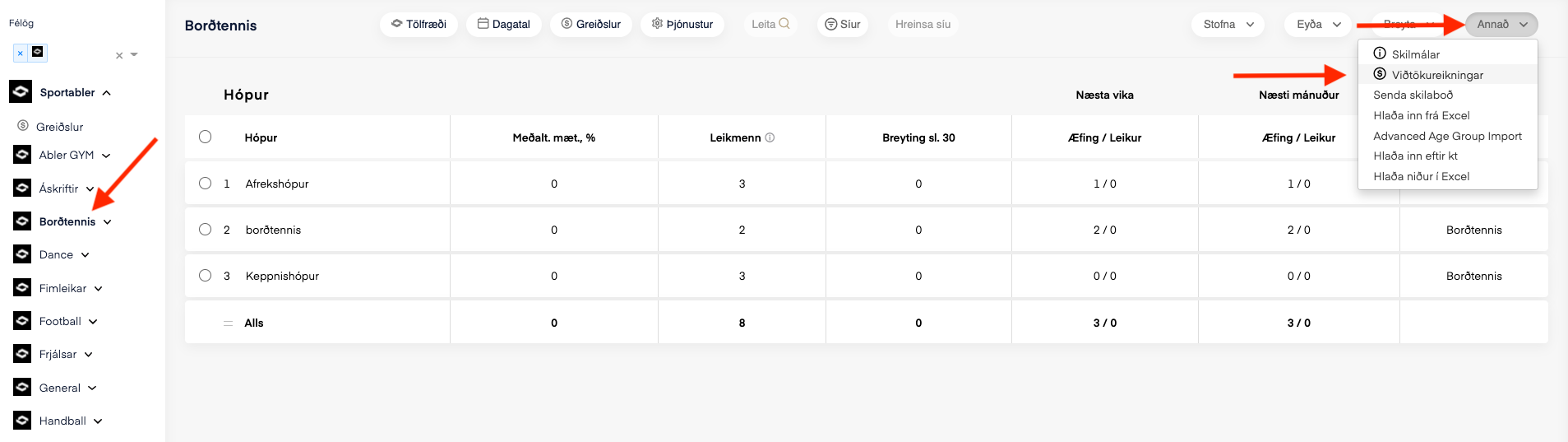
1. To do this, go to the division, click "other" and then on
"bank accounts".
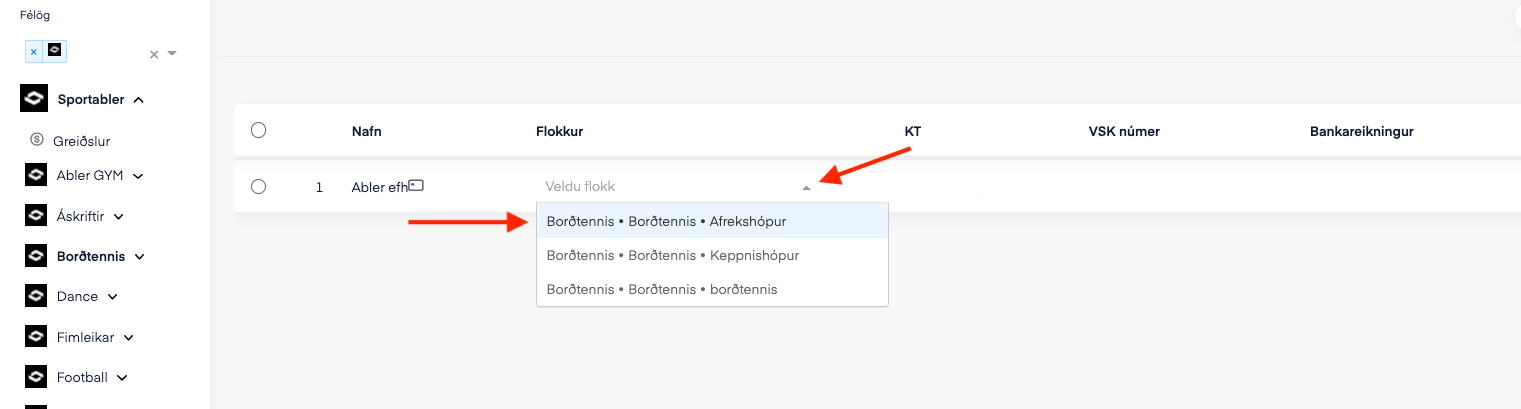
2. A window will open where you click the arrow and select the age group you want to connect the bank account to, in order to create a payment event.