Booking reminders and the public venue page
Customers book your venues on your club's public venue page. Askja can remind them of their booking by email and SMS, so fewer people forget to show up.
Booking reminders
Click the venue icon (map pin) in the left menu to open Venues Booking.
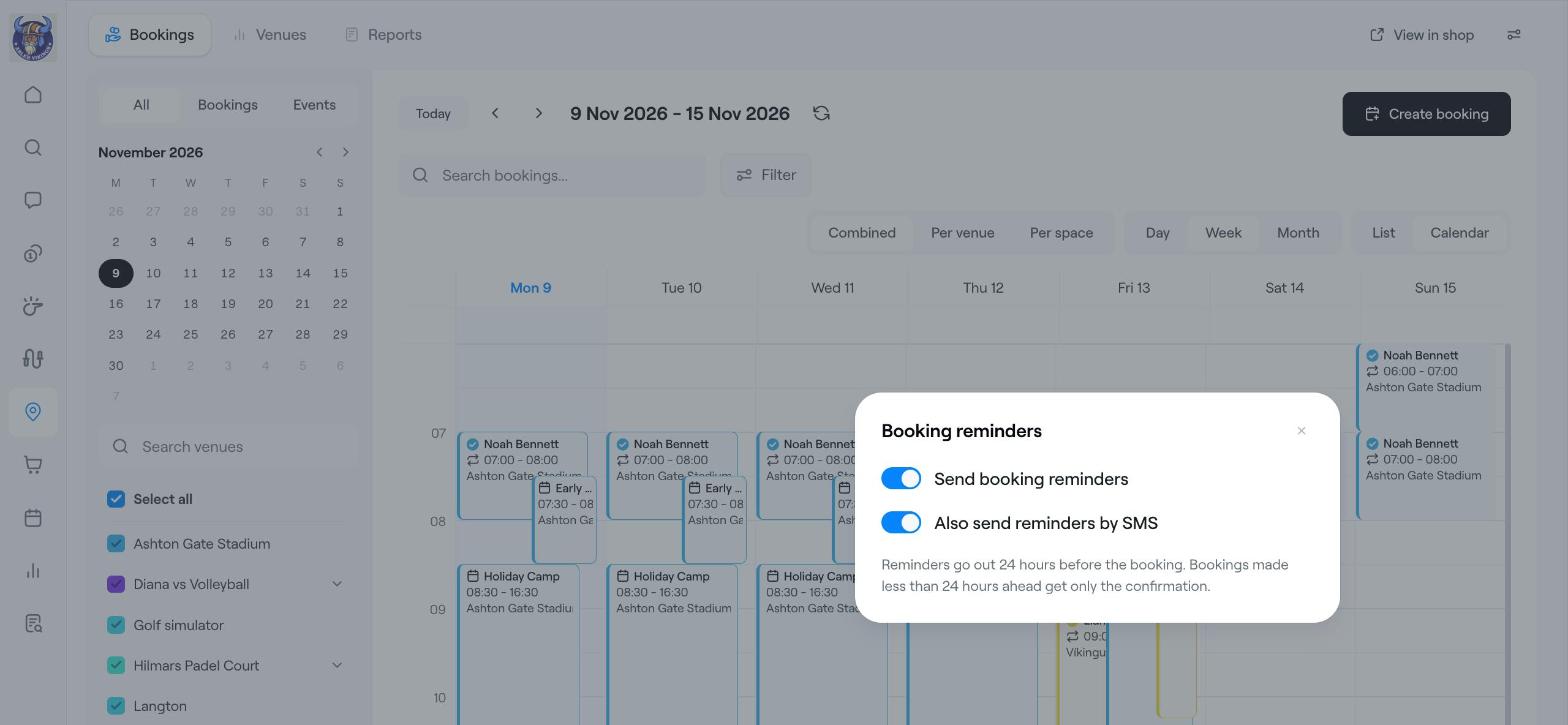
Click the settings icon at the top right of the bookings calendar and choose Booking reminders.
Turn on Send booking reminders.
Turn on Also send reminders by SMS if customers should also get a text message.
Reminders go out 24 hours before the booking. Bookings made less than 24 hours ahead only get the booking confirmation.
Your public venue page
Click View in shop at the top right of Venues Booking to open your club's venue page, the page customers use to book. Share this link on your website and social media.
The page opens on free times. Customers pick a day and see every free slot across your venues, grouped by part of the day.
Customers choose a slot, pay at checkout and get a booking summary and receipt.
Venues set to Club members only show a Members only tag. Customers must sign in and be a club member to book them, and members can get their own price.
Guests can open and download their booking invoice without signing in.
Tip
Add good photos and a clear description to each venue. They are the first thing customers see on the venue page.
Related articles
Set up a venue for online booking
Venue booking: the bookings calendar and managing bookings
Venue booking reports