Admin and Coach View
If you have admin rights, you can see both the admin view and the coach view in the Abler system.
When you log in via Abler.io, you can see both.
1. Coach view
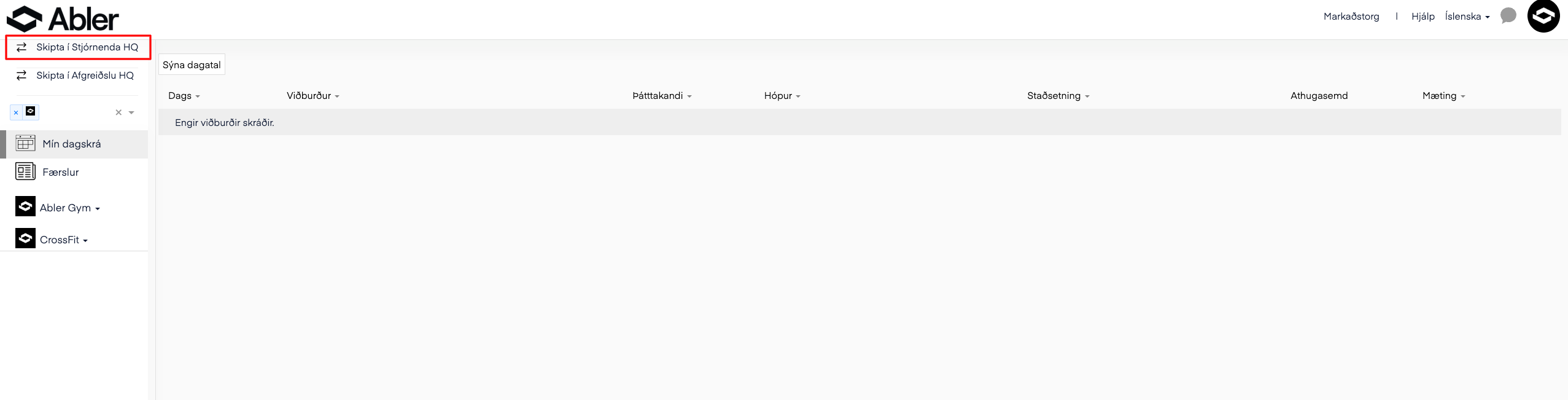
This is what the coach interface looks like. In the coach interface, you can create a training plan, manage groups, and more.
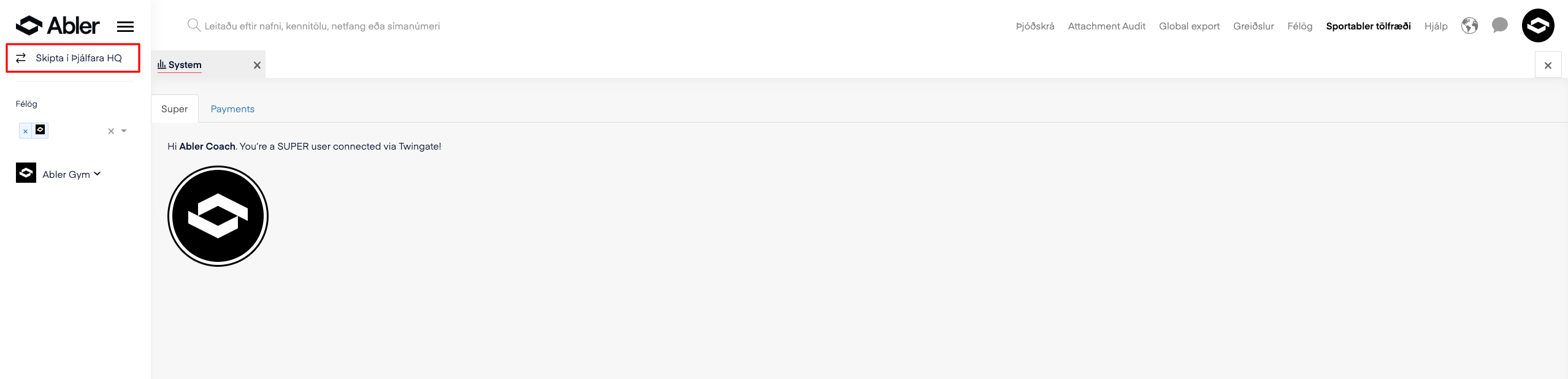
To switch to the admin interface, click Switch to Admin HQ in the top left corner.
2. Admin view
This is what the admin interface looks like. Here you can create courses, view cash flow and an overview of payments, and more.