Refunding Individual Members in Payable Events
You can either issue a refund to a single member or select multiple members at once to process refunds in bulk.
To refund a single member or multiple members:
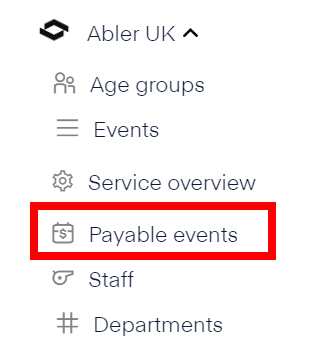
In Director HQ, select Payable events in the left-hand menu.
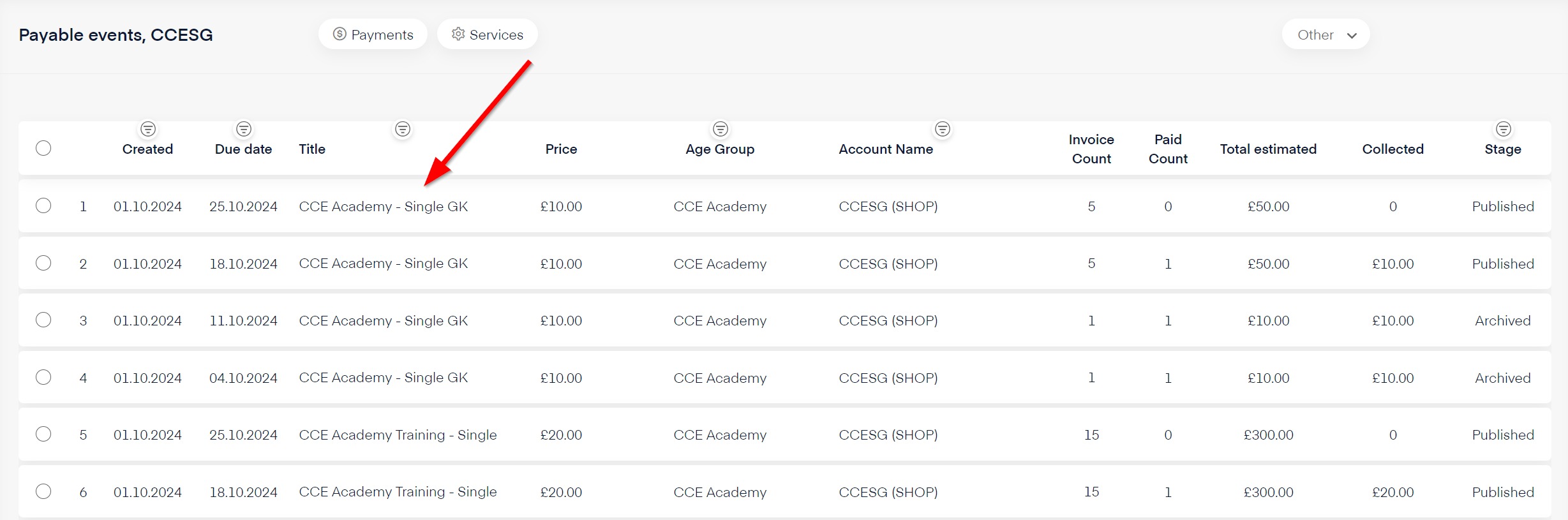
In the event list, find and select the name of the event you want to refund.
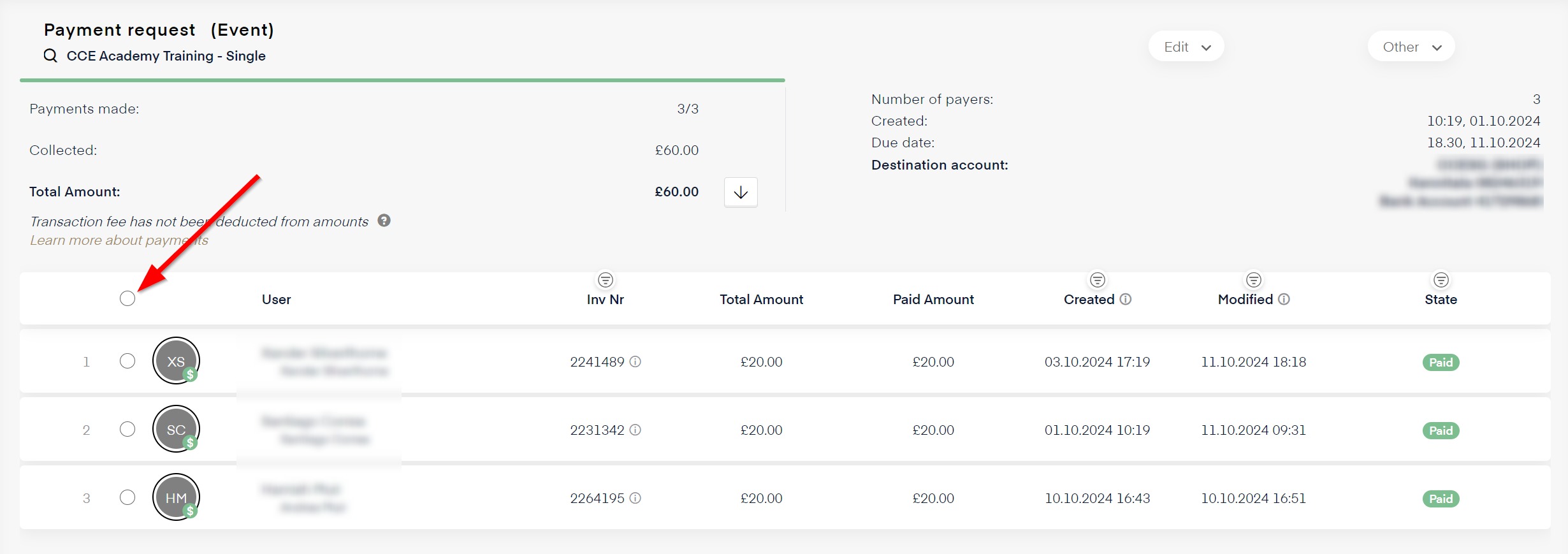
A list of payments is displayed. To refund all payers, click the select-all button at the top of the list. To select single members select the circle next to member name.
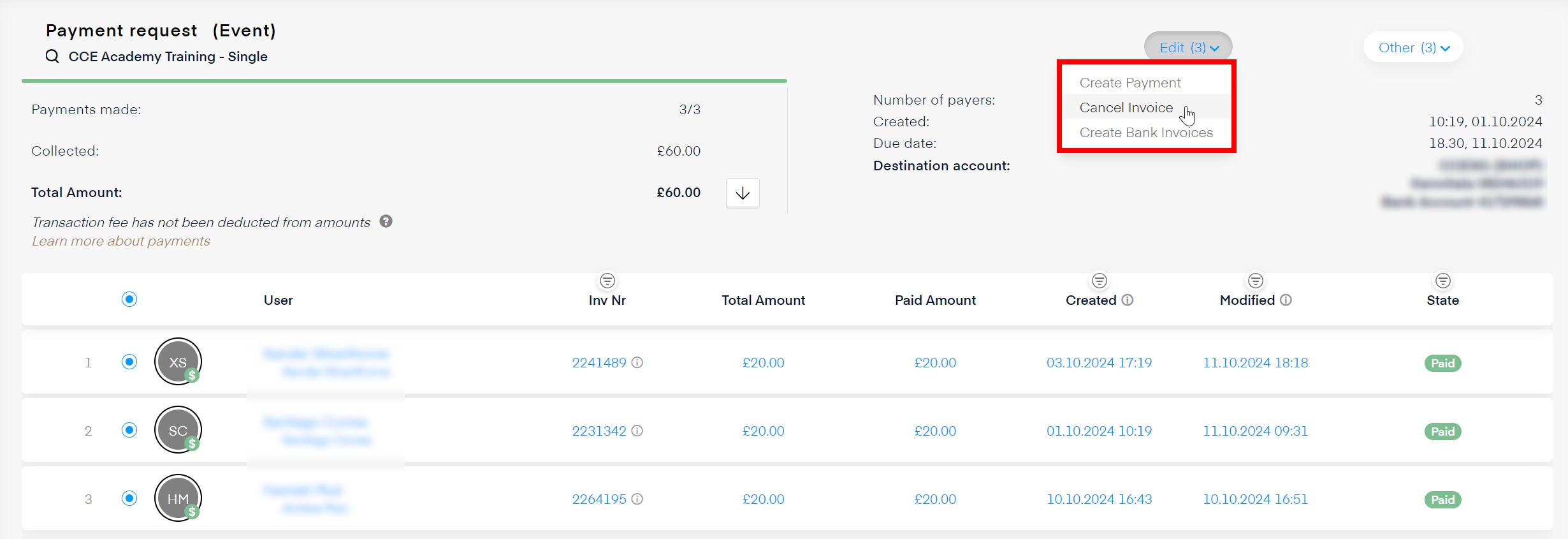
On the Edit menu in the upper-right corner, select Cancel Invoice.
A confirmation pop-up will appear. Confirm and start the cancellation process. This may take a few seconds. The member will get refunded in two days to the card he paid with.