Refunding a Payable Event
If a member has paid for an event and requires a refund, follow these steps:
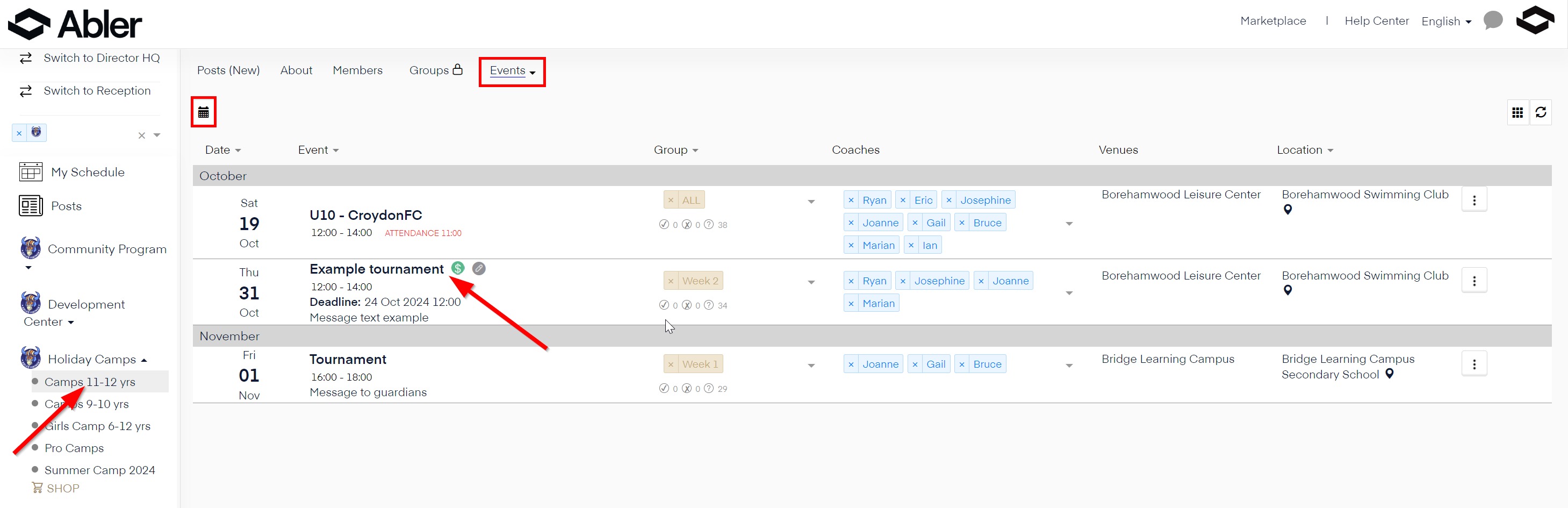
Go to the event in the app or web platform.
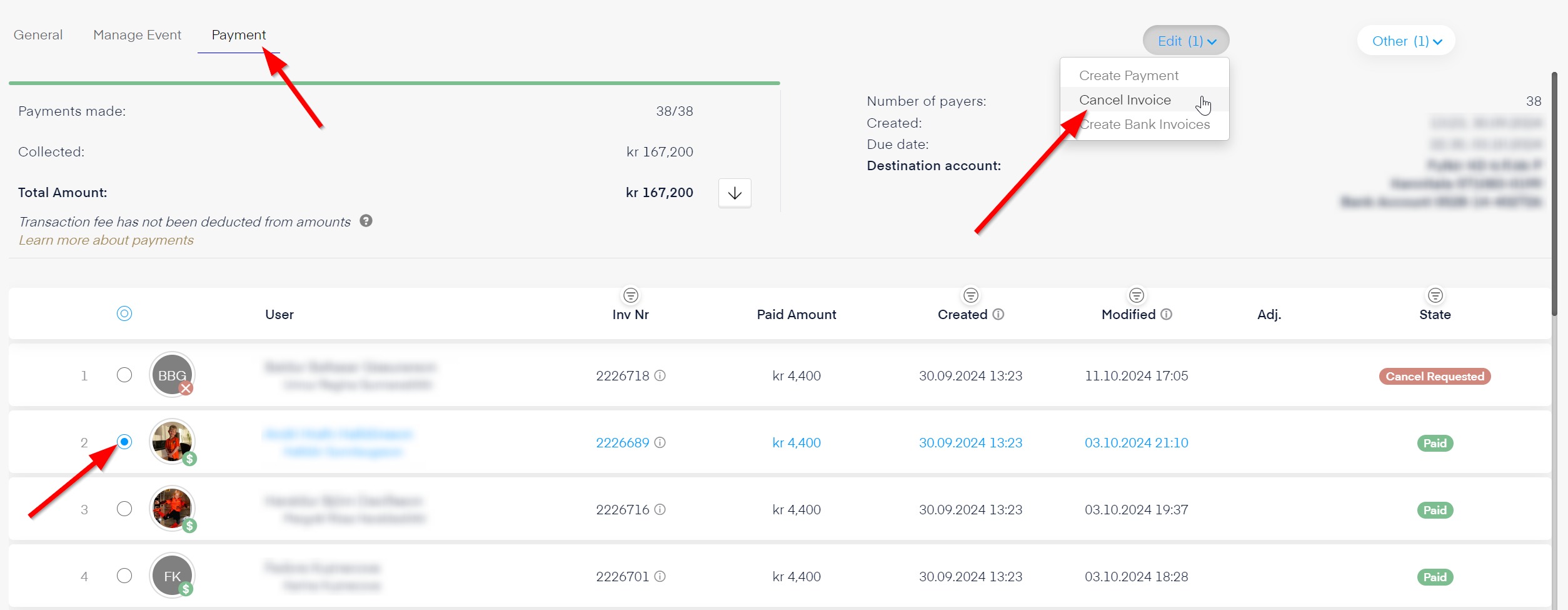
Navigate to the Payments section and find the member who needs a refund.
Open the invoice, click the three dots, and select "Refund".
Enter the refund amount and confirm the transaction.
The refund will be processed, and the member will receive a notification.
Note: The payment will be refunded in two days, and the payer will receive a notification on their phone when the reimbursement is processed.