Freeze subscription
This article applies to the old admin system (Classic). If your club uses the new admin platform, see the "Admins – new platform" section.
You can easily freeze/extend a subscription in Sportabler.
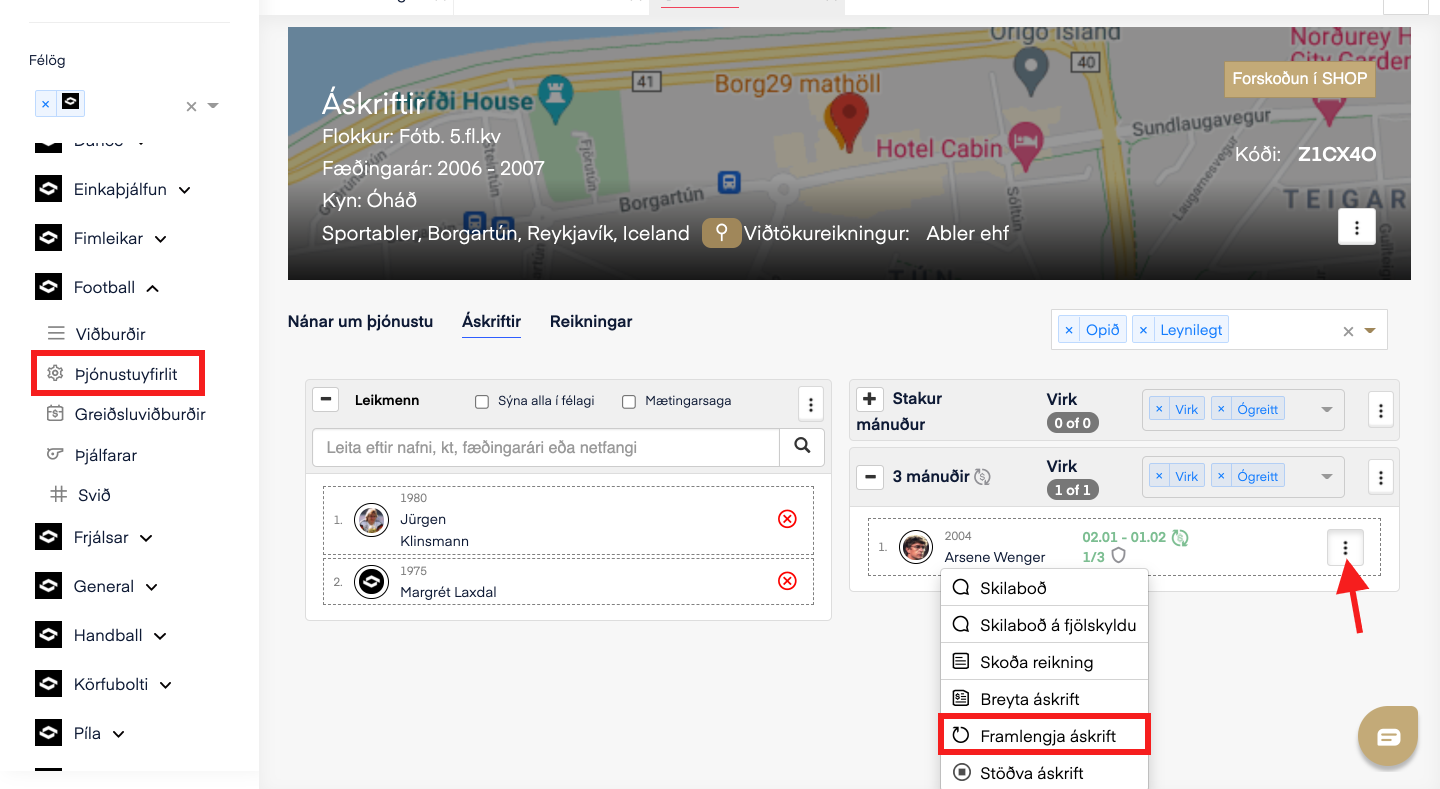
1. Click on service overview in the left-hand menu, then on the name of the service. Next, find the member whose subscription you want to extend in the right-hand column. Click the three dots next to the name and select extend subscription.
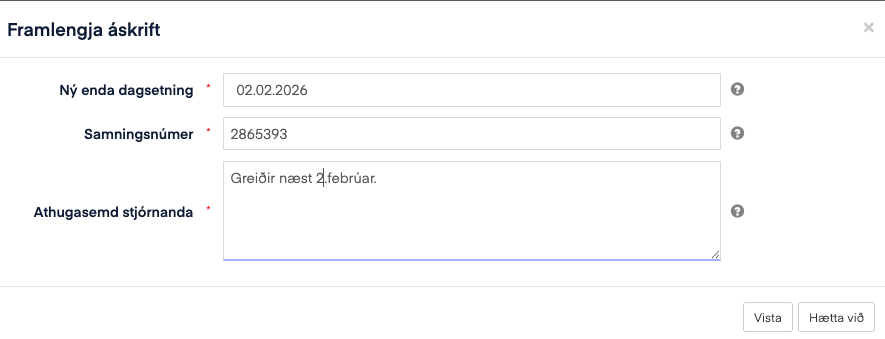
2. Next, choose when the customer should next be charged. The new end date determines when the next payment and renewal will take place.