Changing the due date on an issued invoice
This article applies to the old admin system (Classic). If your club uses the new admin system, see the "Admins – new platform" section.
In Abler, you can change the due date on an issued invoice.
Please note: It is not possible to change the due date on an invoice that is already in default.
To change the due date:
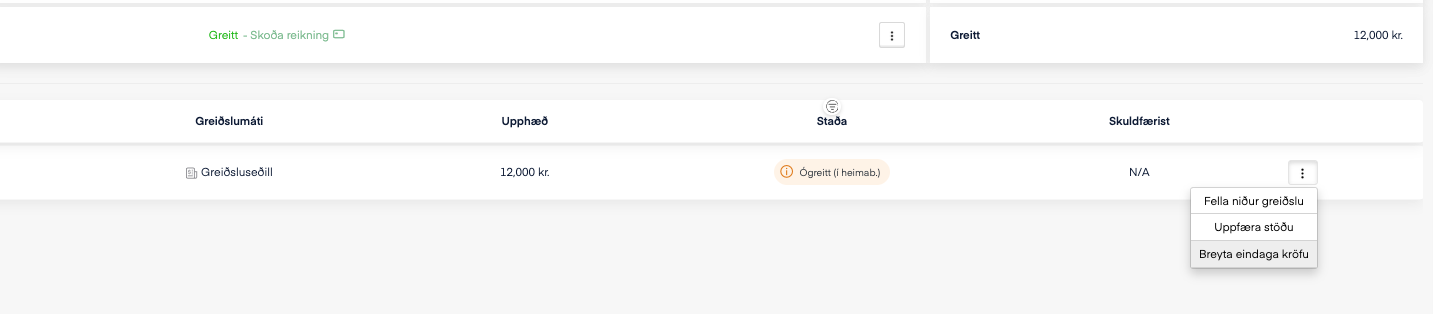
Open the account and find the transaction whose due date you want to change.
Click the three dots to the right of the transaction.
Select "Change due date on claim".
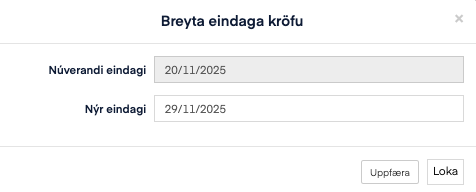
Then select the new due date that applies.
When you click "Update", the due date is automatically updated on the invoice in the person's online bank.